See how to register a new category for your products.
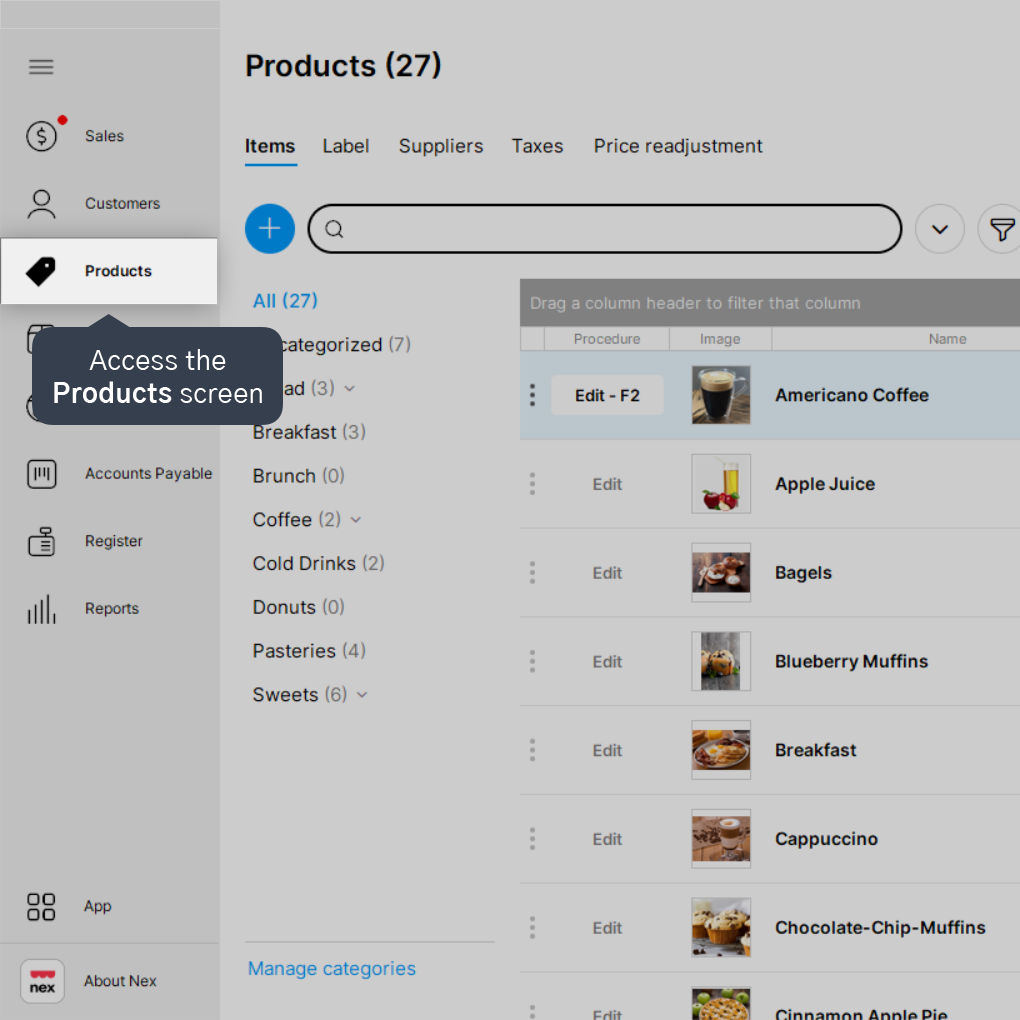
1. Access the Products screen.
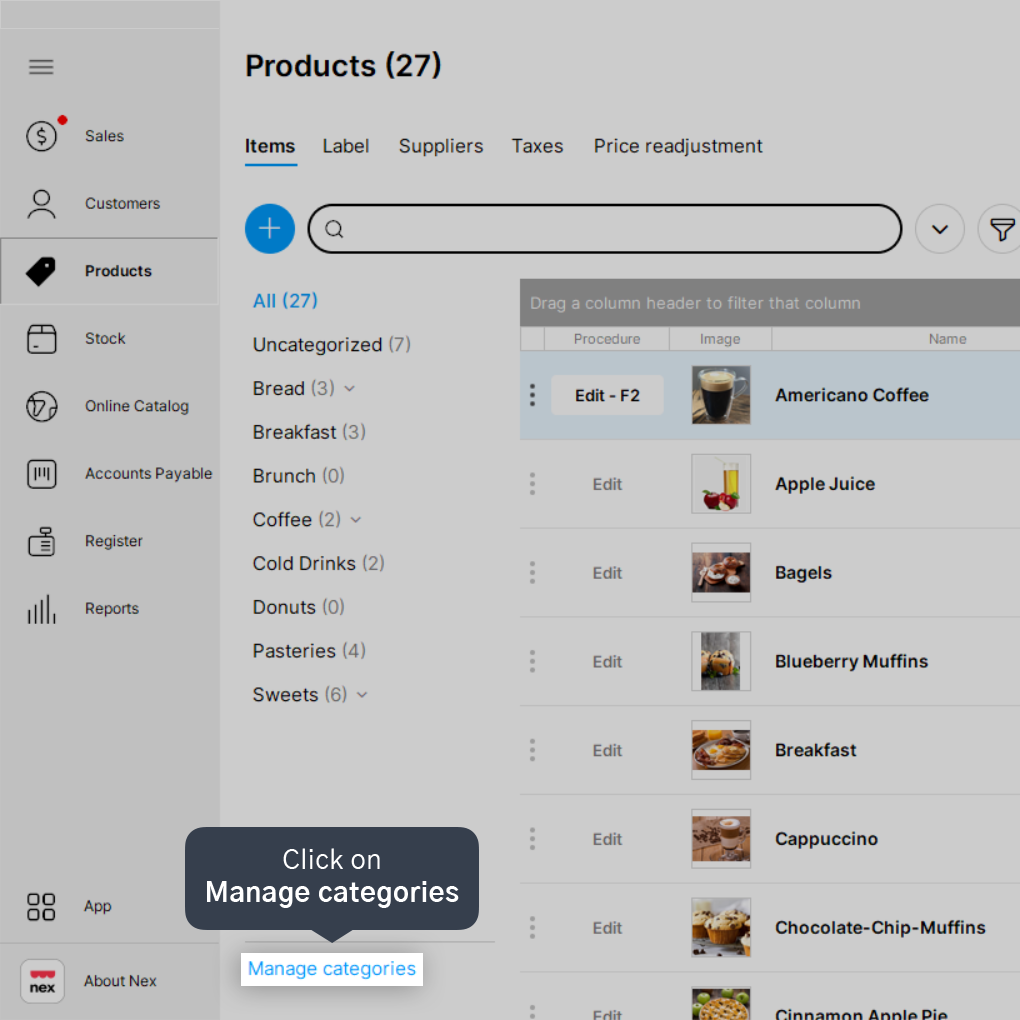
2. Click on Manage categories.
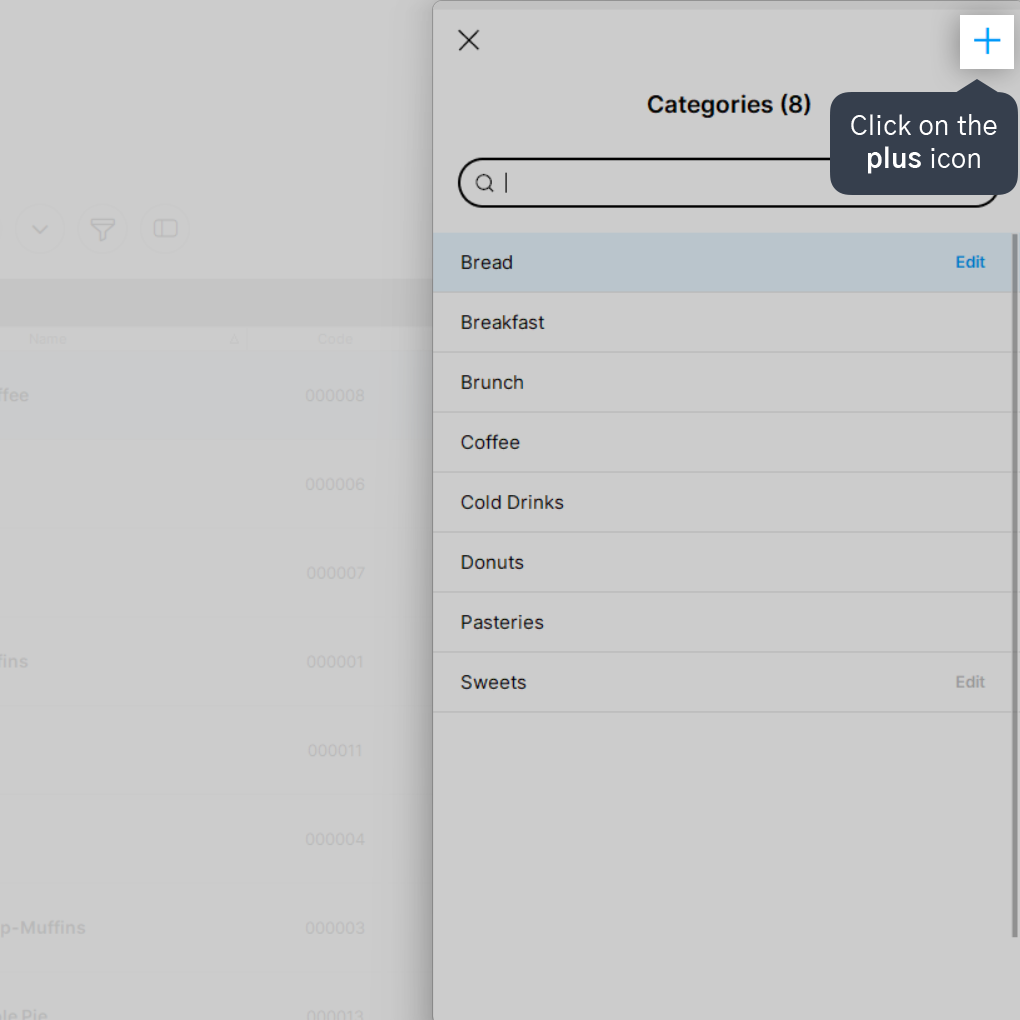
3. Click on the plus icon (+).
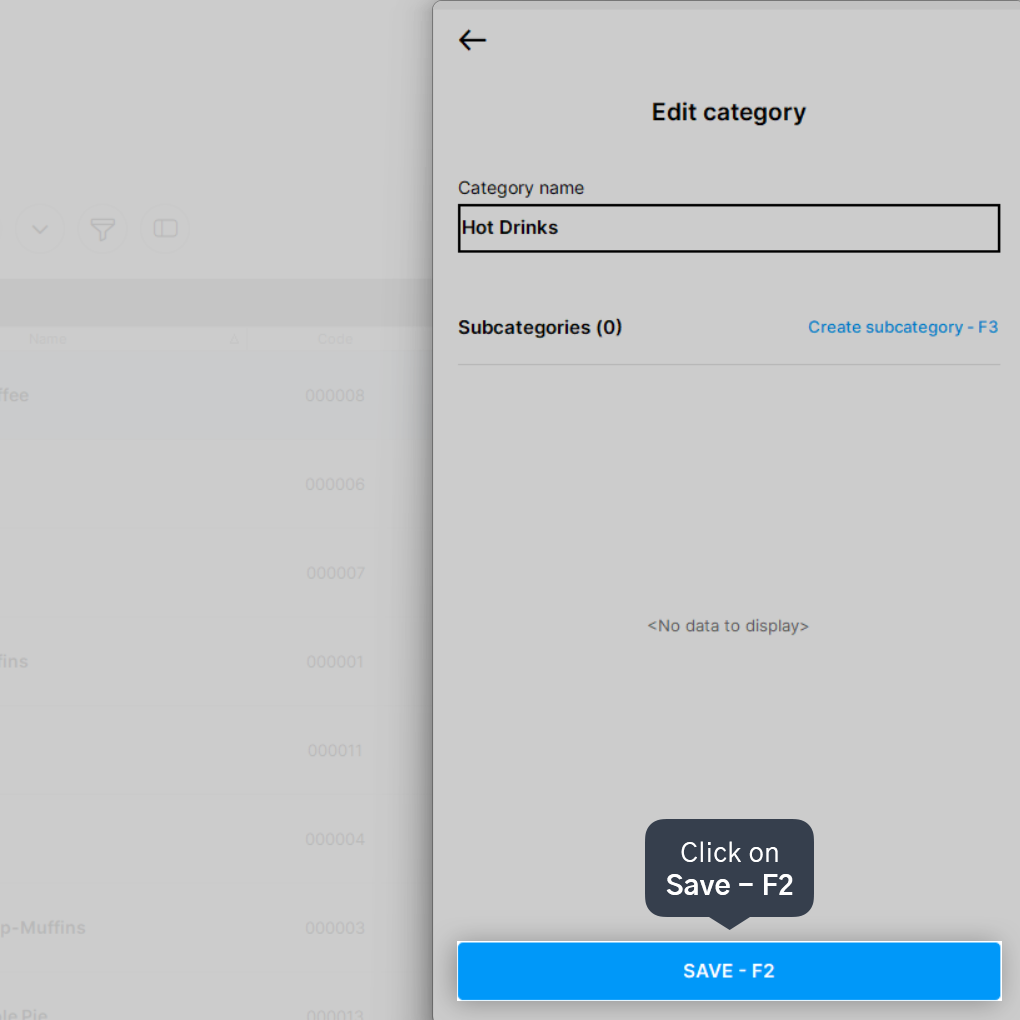
4. Enter the Category name.
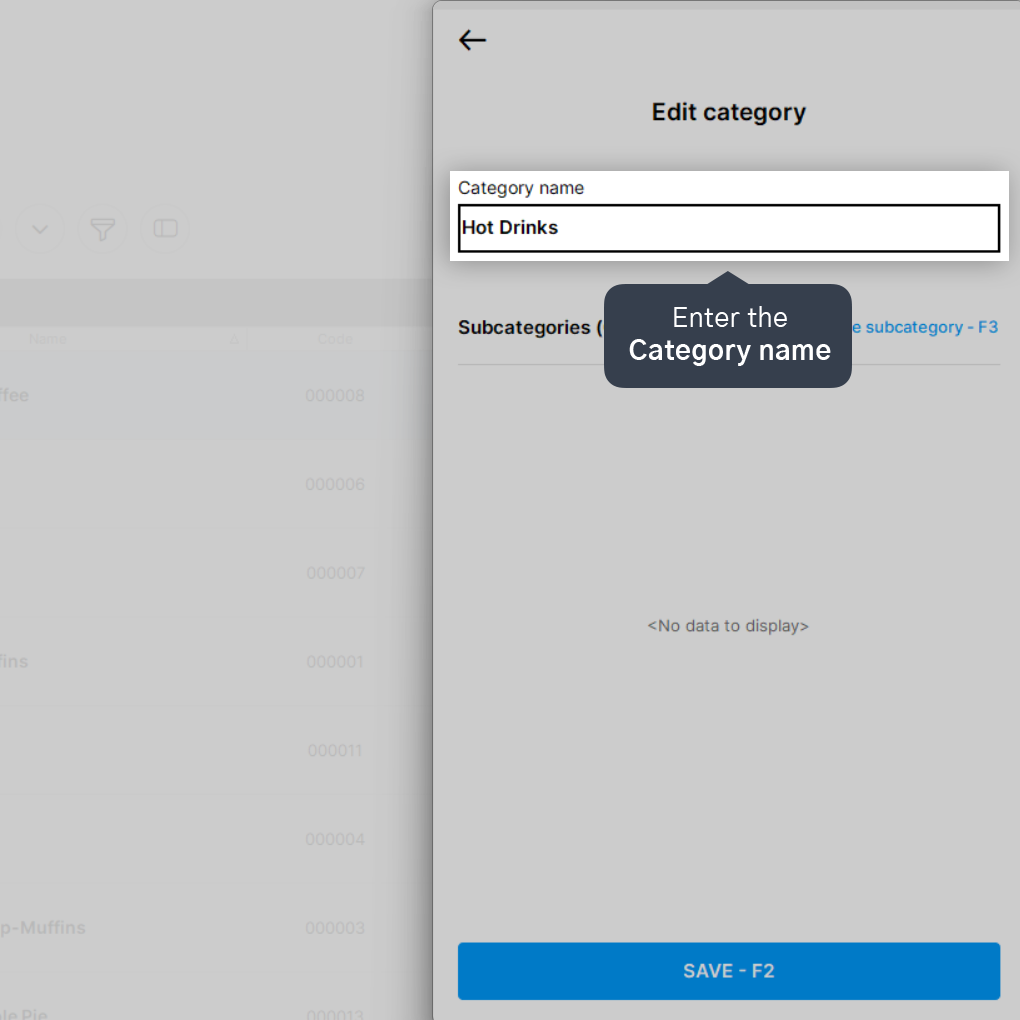
5. Click on Save - F2.
Done! You have learned how to register a new category and can now assign it within your products.


