See how to configure Nex so that you don't allow the sale of out-of-stock products through Nex on the web.
1. Click here to access Nex in your browser and log in with the EMAIL and PASSWORD from your Nex account.

2 Go to PRODUCTS menu.

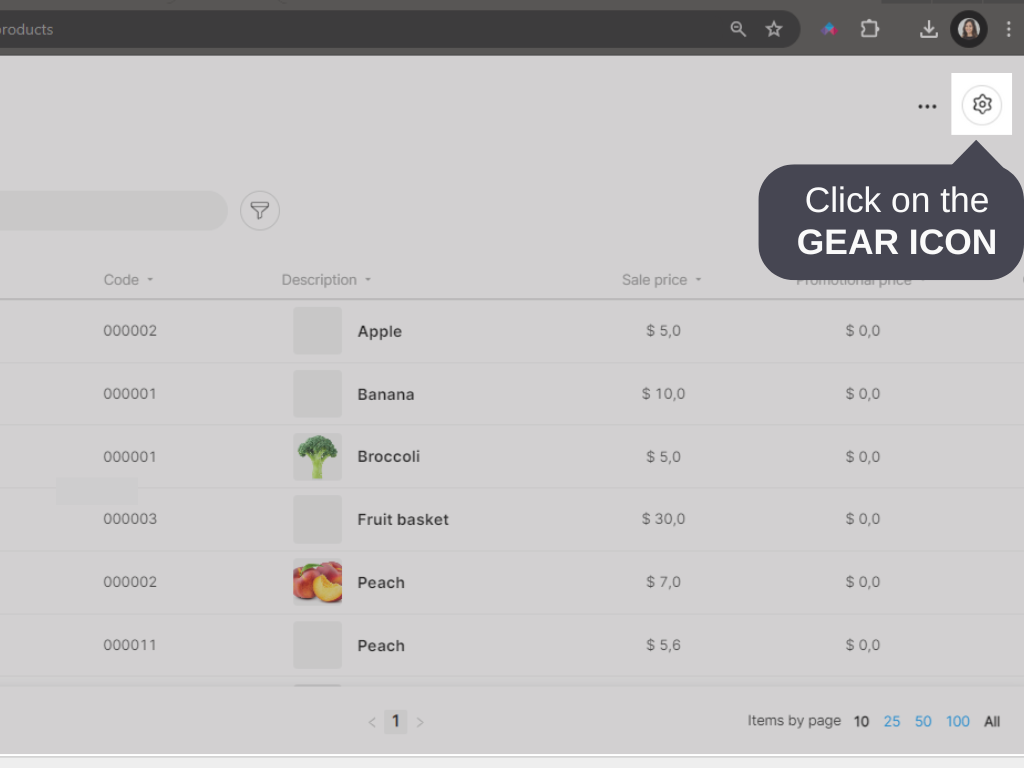
3. Click on the GEAR icon.
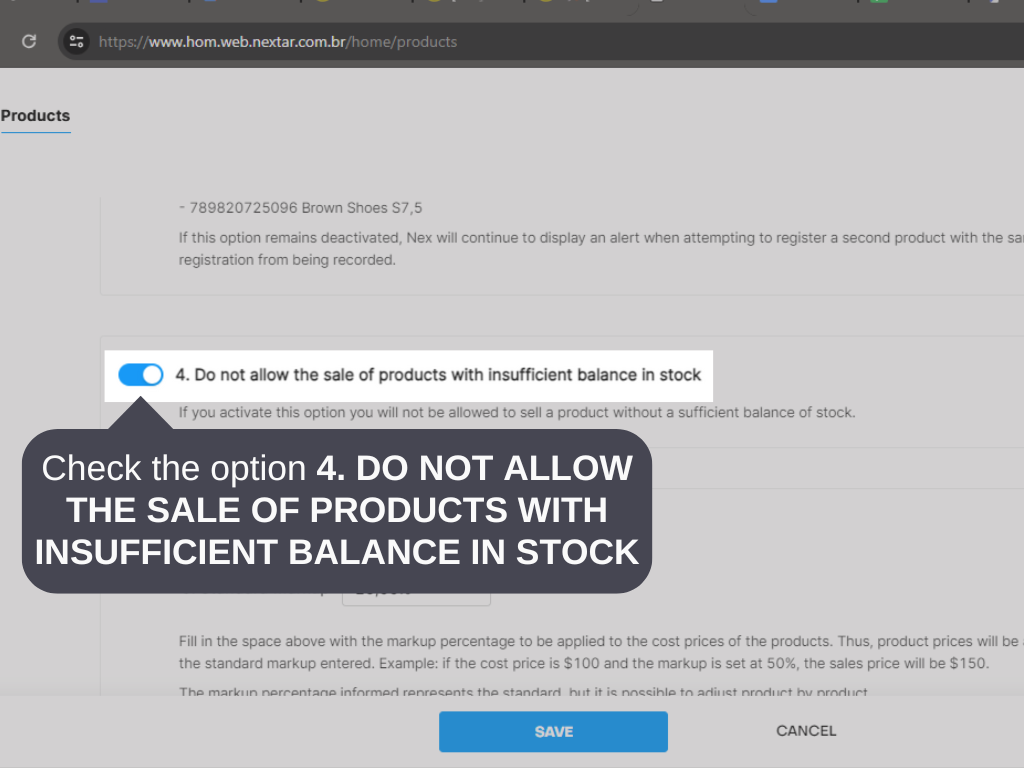
4. Select the option 4. DO NOT ALLOW THE SALE OF PRODUCTS WITH INSUFFICIENT BALANCE IN STOCK.
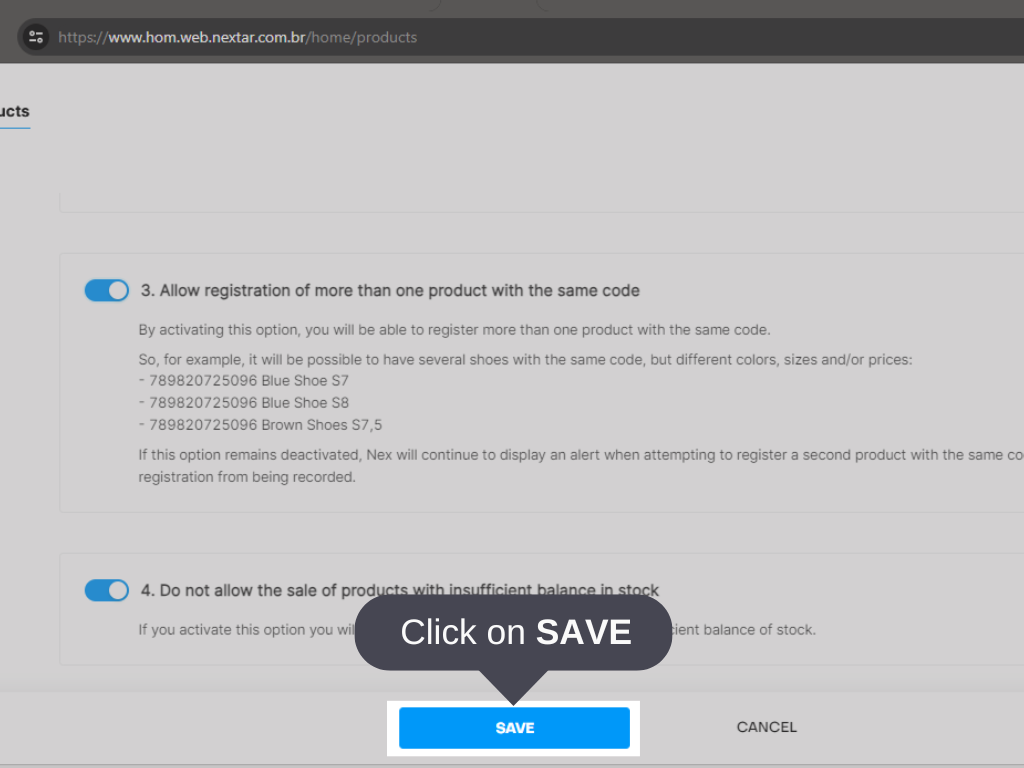
5. Click on SAVE.
Done! Nex will not allow the sale of products with insufficient balance in stock.


