Find out how to configure it so that your product code is generated automatically.
Important
1. Click here to access Nex in your browser and log in with the EMAIL and PASSWORD from your Nex account.

2. Go to the PRODUCTS menu.

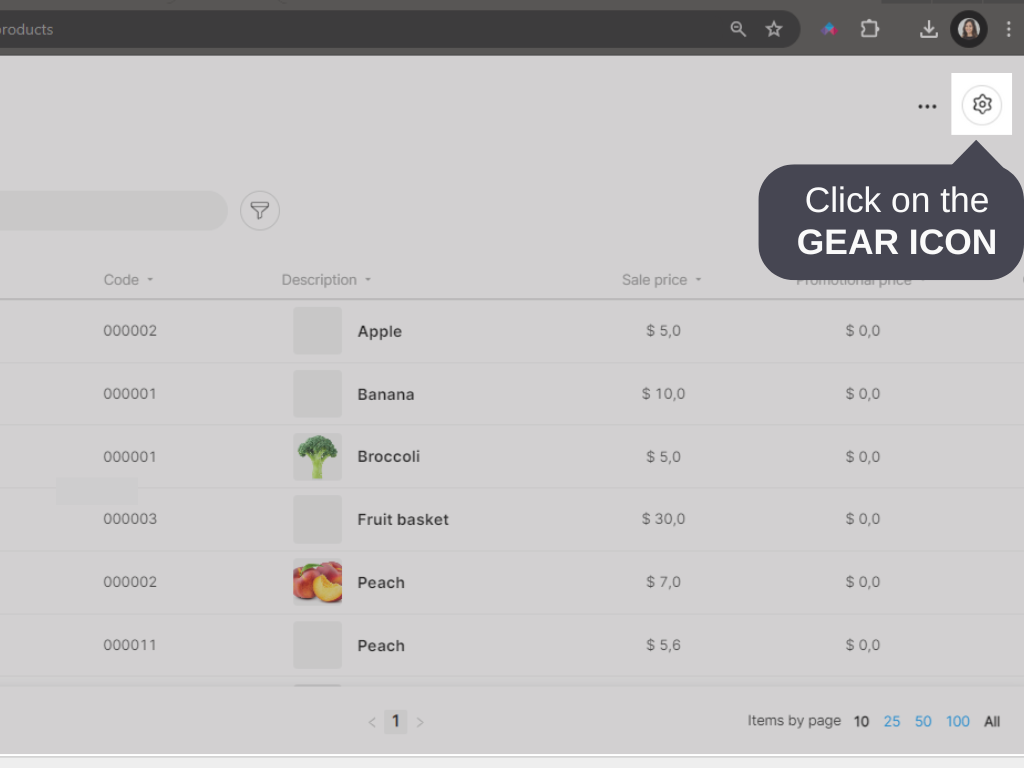
3. Click on the GEAR icon in the top right corner.
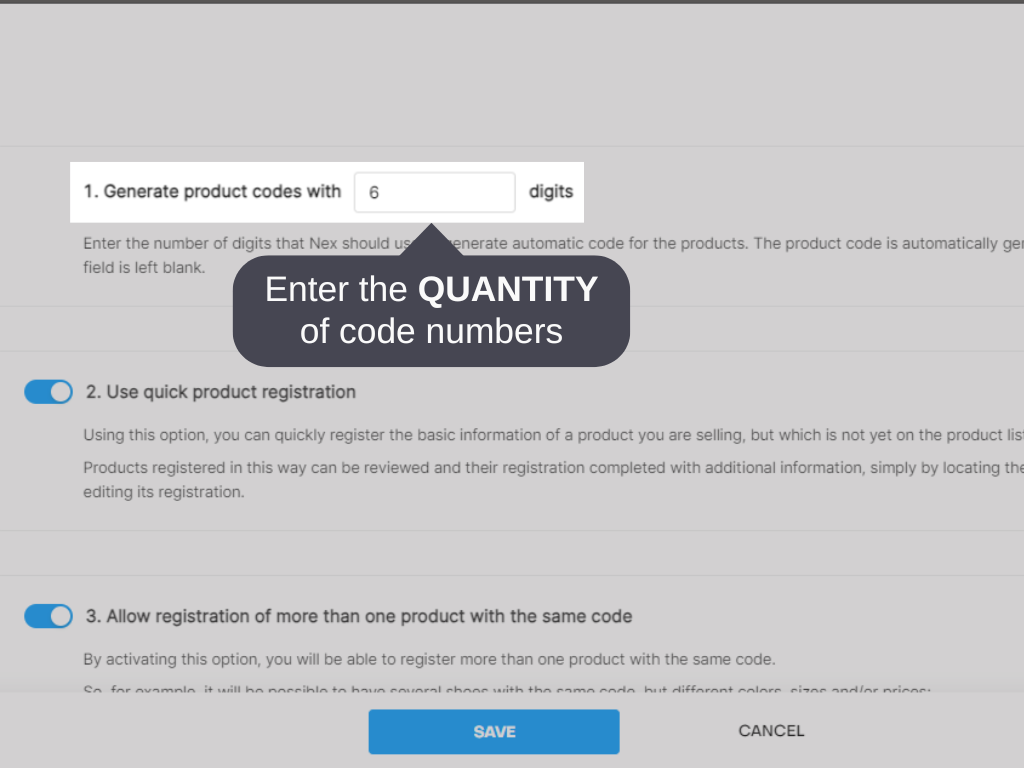
4. Enter how many DIGITS your code will be generated with on the option 1. GENERATE PRODUCT CODES WITH __ DIGITS.
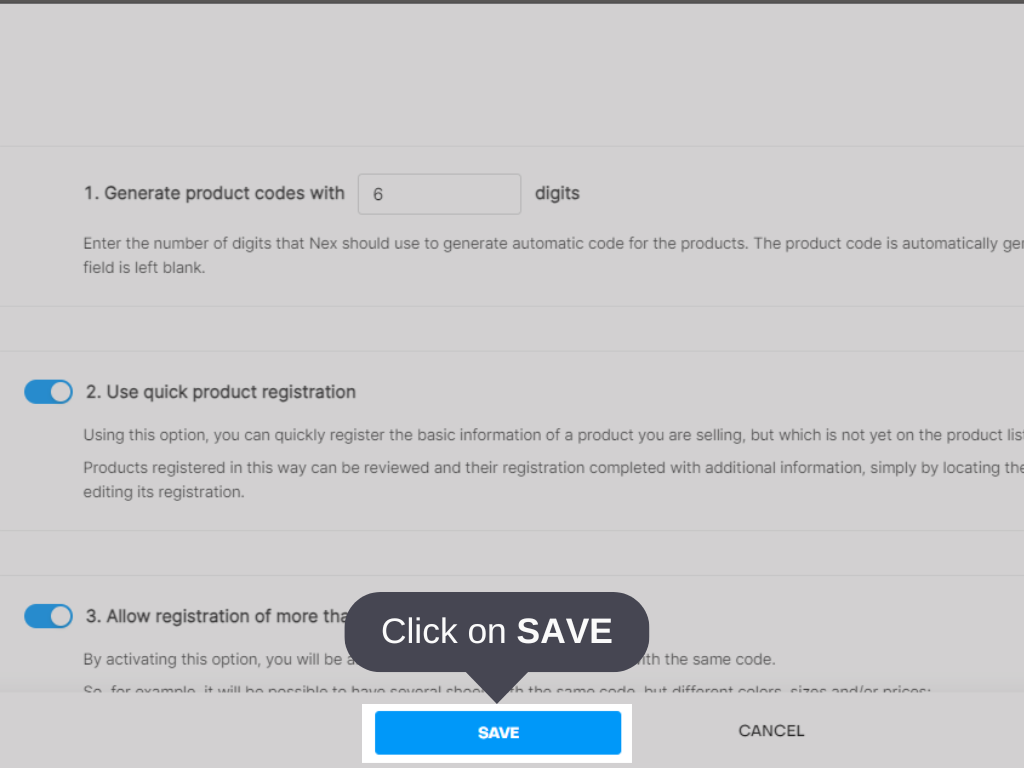
3. Click on SAVE.
4. When registering a product, select the AUTOMATIC option, next to the code field.
5. Click on SAVE - F2.
Done! Your product is registered with a code automatically generated by Nex.


