Want to give your team more mobility? See how to grant a user access to the Nex sales app so they can easily log in from their phone.
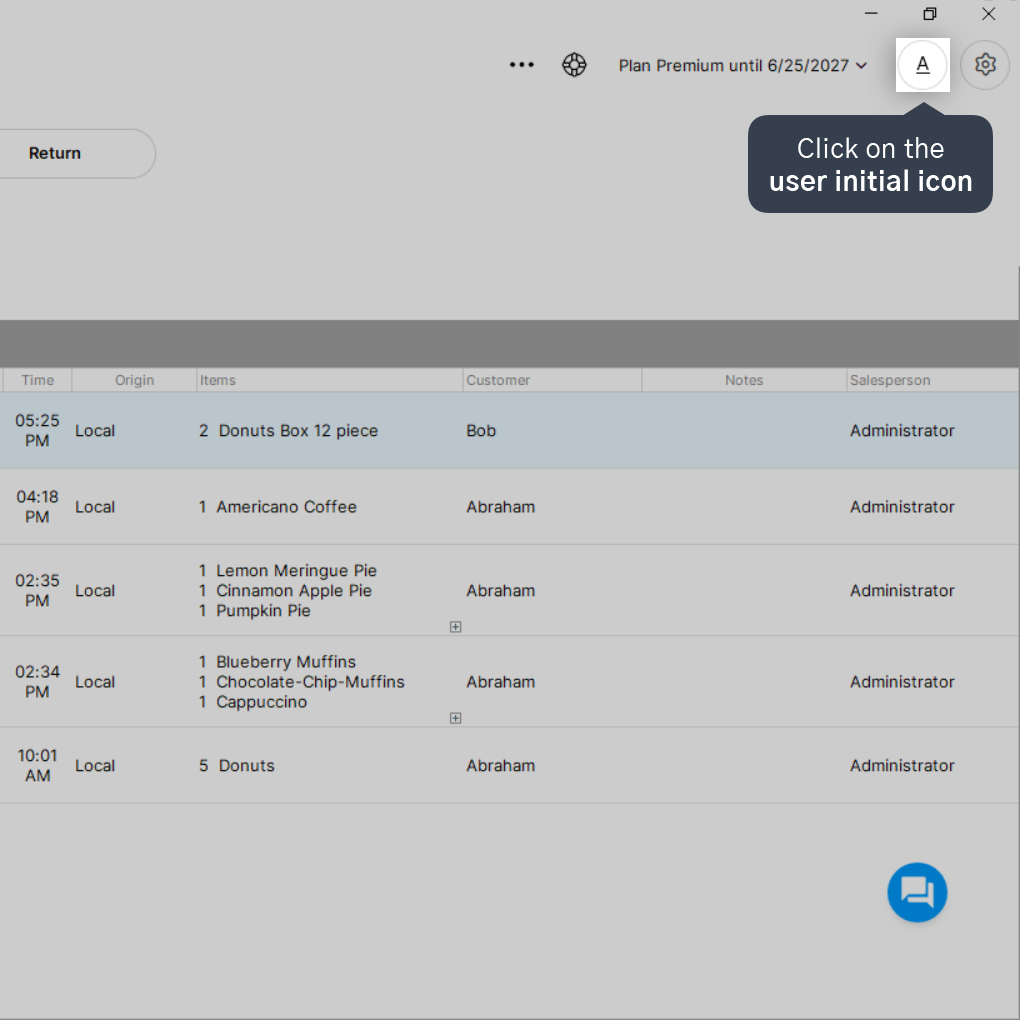
1. Open Nex and click on the user initial icon in the top right corner of the screen.
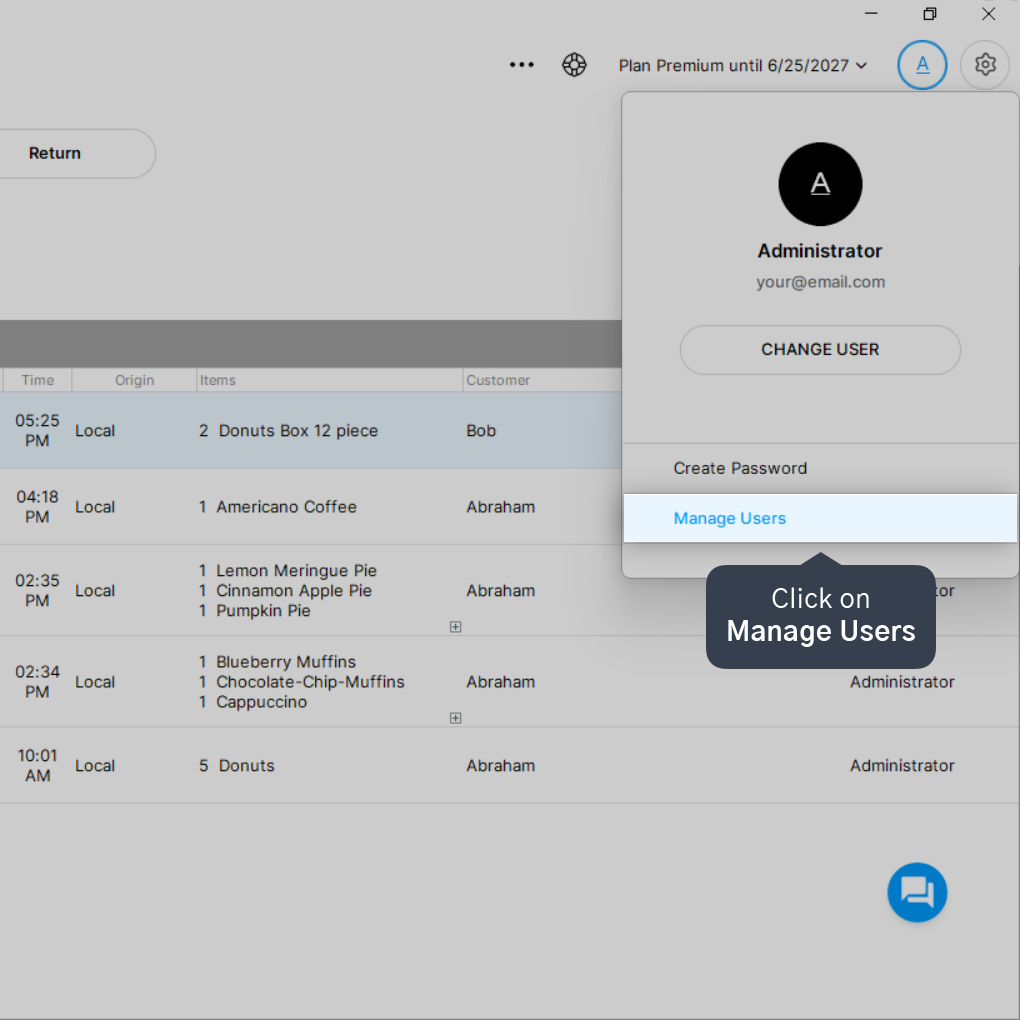
2. Click on Manage Users.
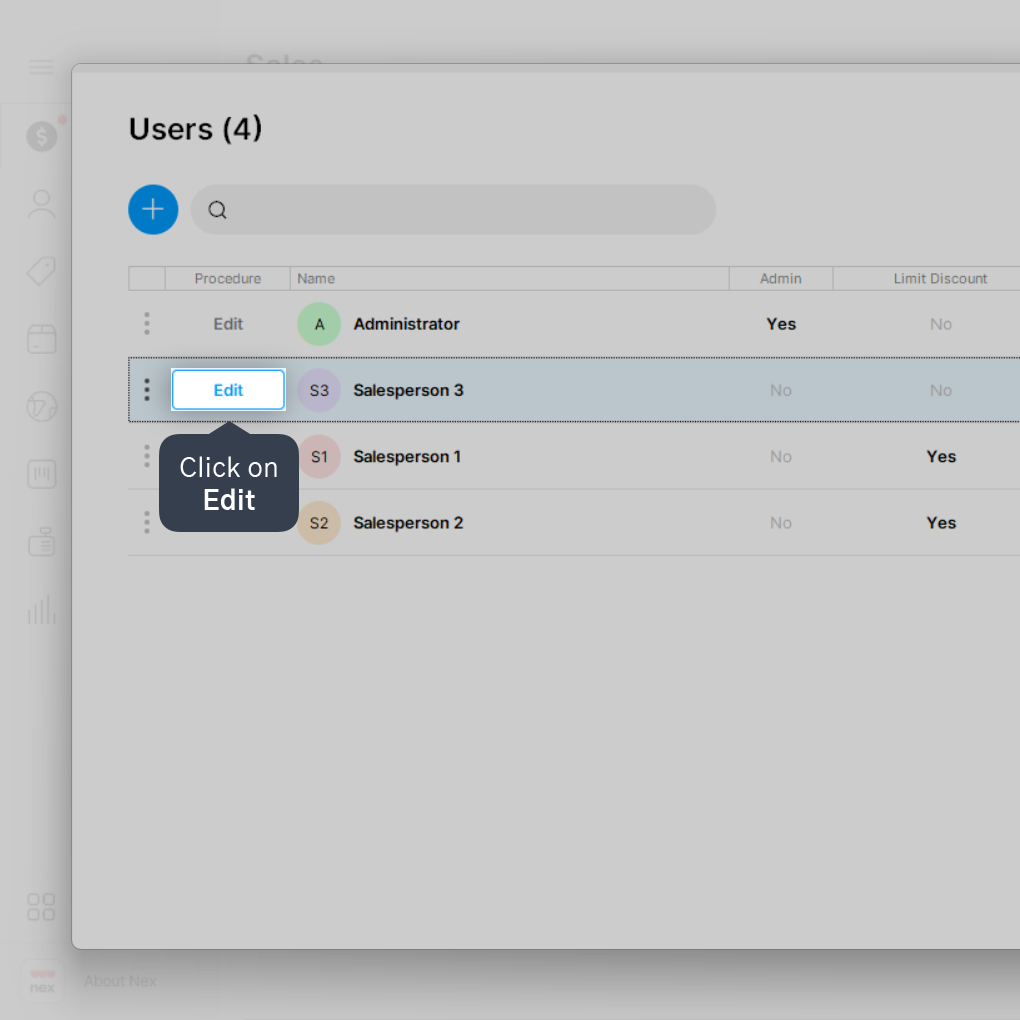
3. Click on Edit next to the desired user.
For more details on how to create a user, click here.
4. Access the Permissions tab.
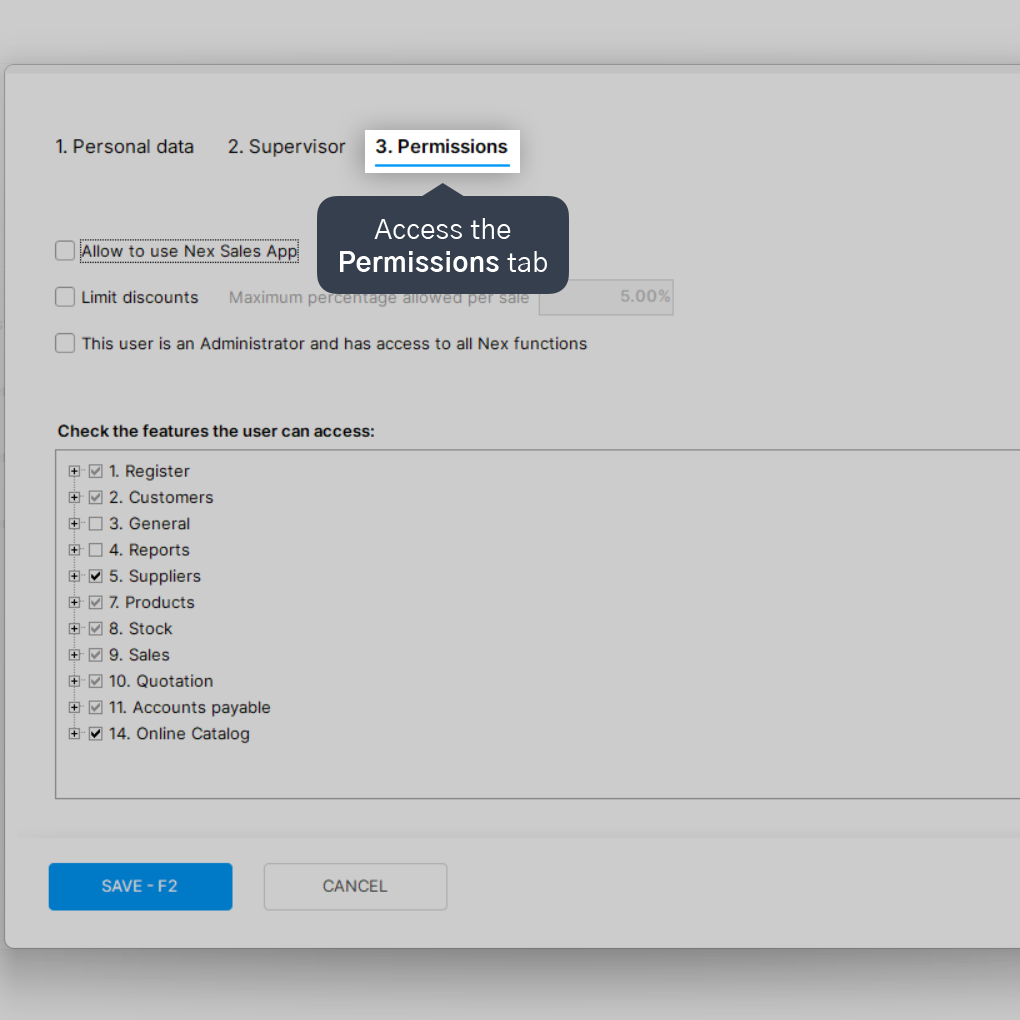
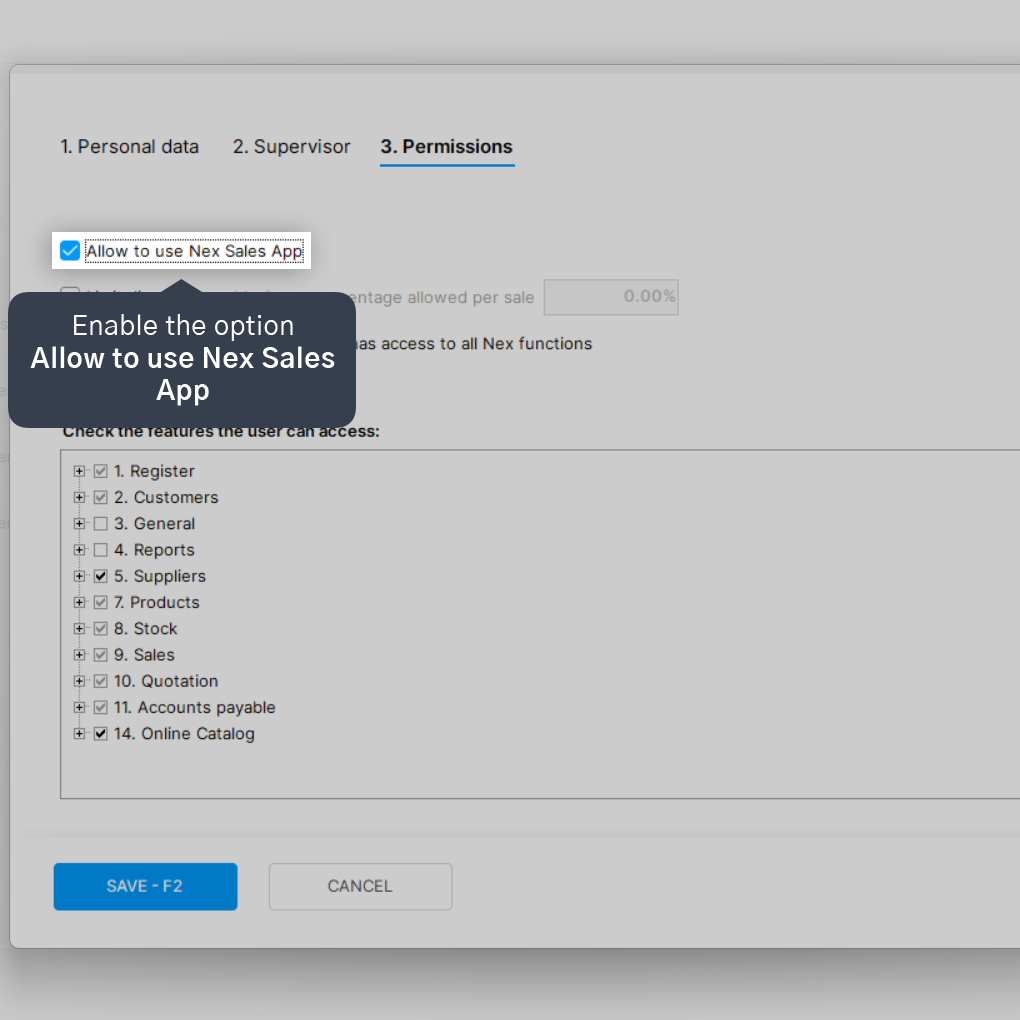
5. Enable the option Allow to use Nex Sales App.
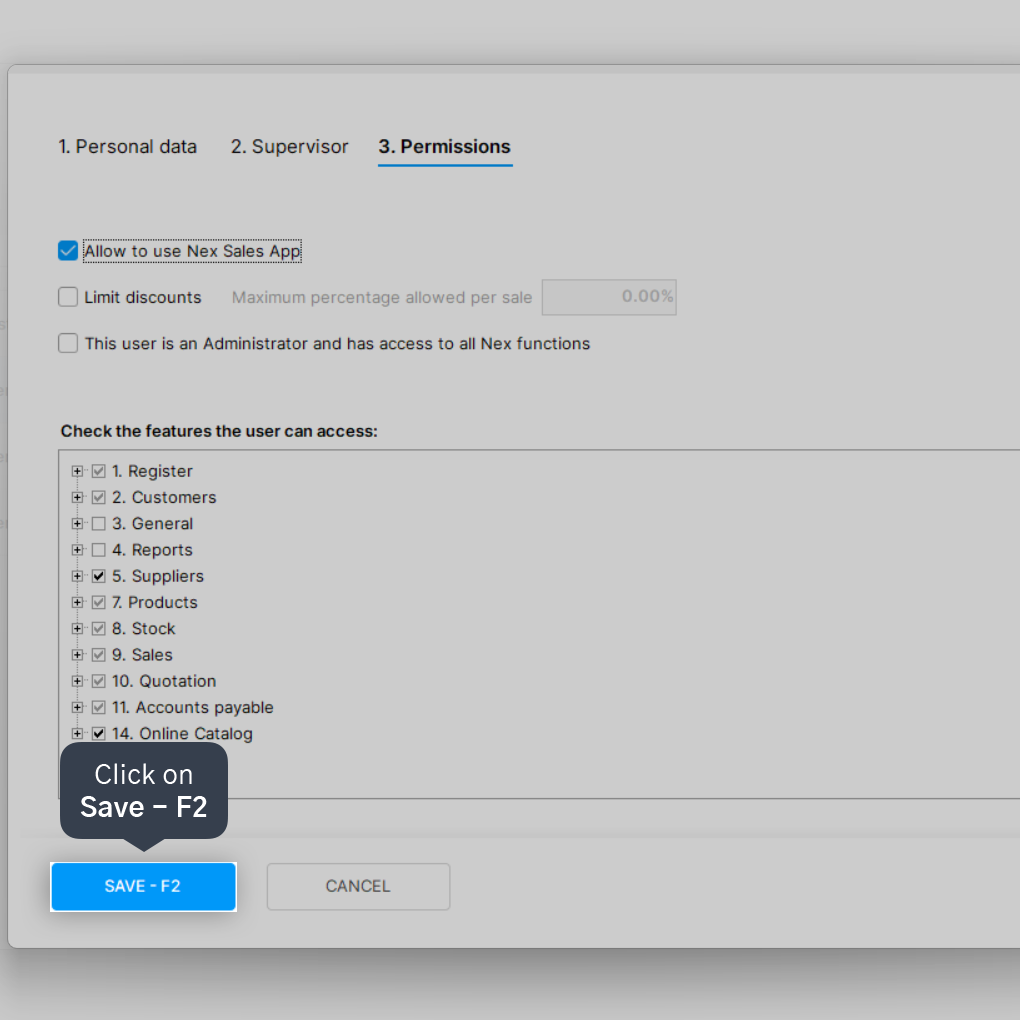
6. Click on Save.
If the user doesn't have a password set up, you'll need to create one so they can log into the app.
Done! Now the user can log into the Nex sales app using the email and password set up in their account profile.


