Get a report similar to the register closing report, but including all register sessions from a specific period.
Important
This feature is available using the Premium plan of Nex. Click here and check out all our subscription plans.
The totalization of previous registers uses the register opening date for inclusion in the totalization process being performed, meaning it does not use the date of the transactions made within that specific register session. Nex reports, in general, work this way. For this reason, it is recommended to open and close the register daily, allowing for better utilization of the reports.
Let's learn how to total previous registers by period?
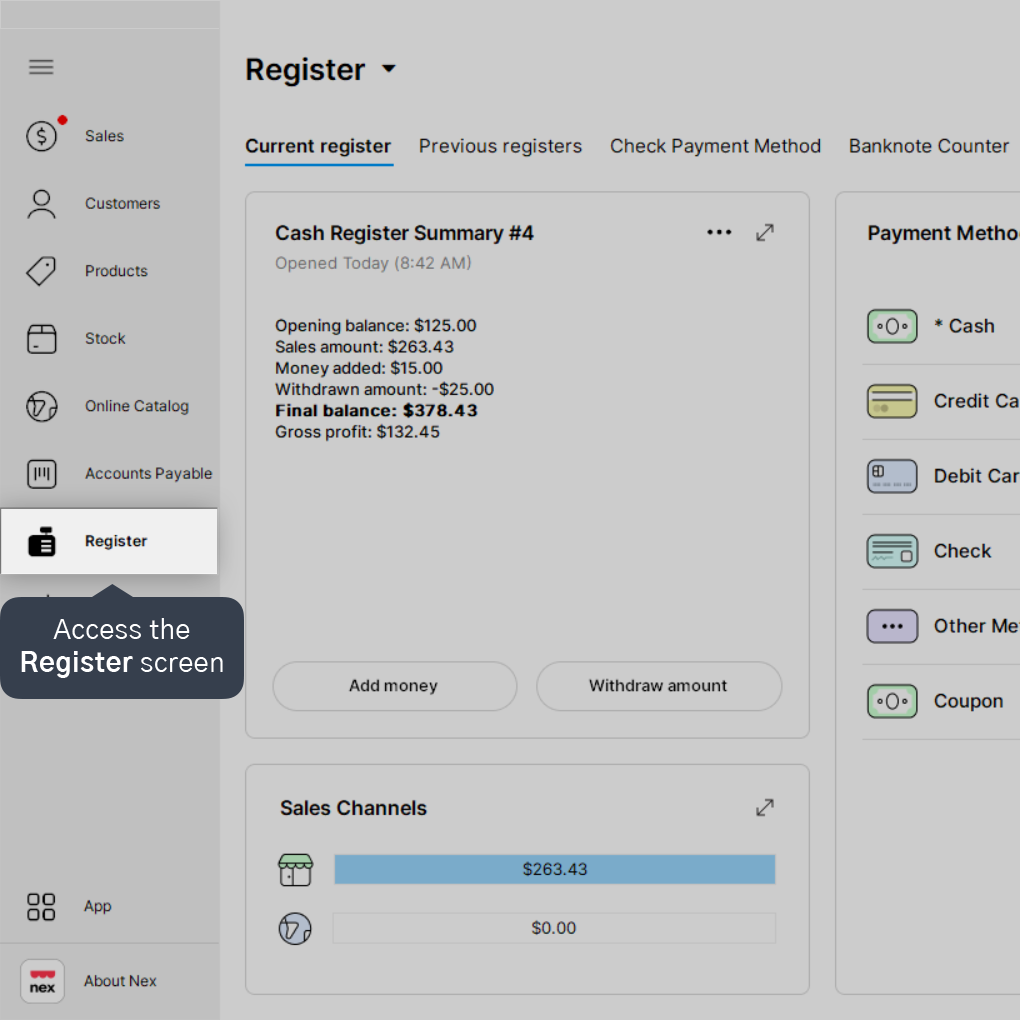
1. Access the Register screen.
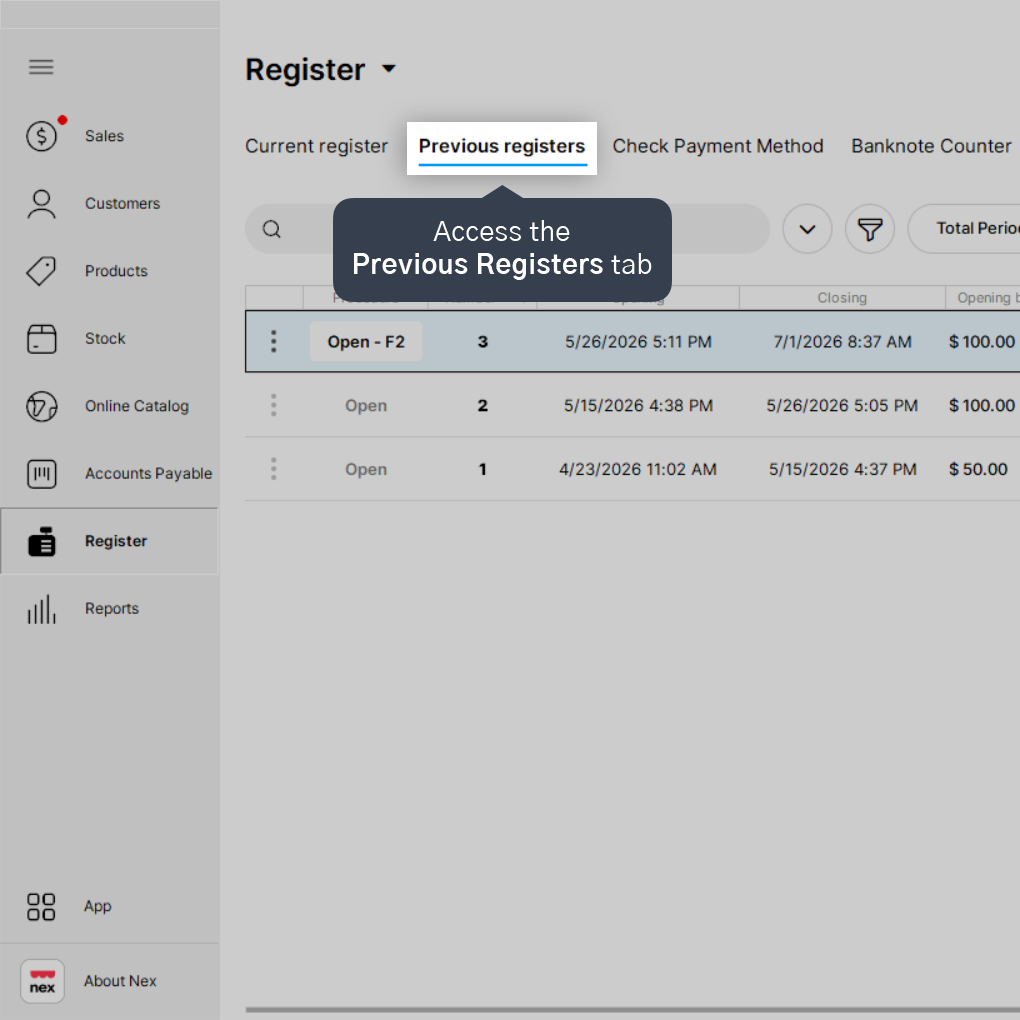
2. Access the Previous registers tab.
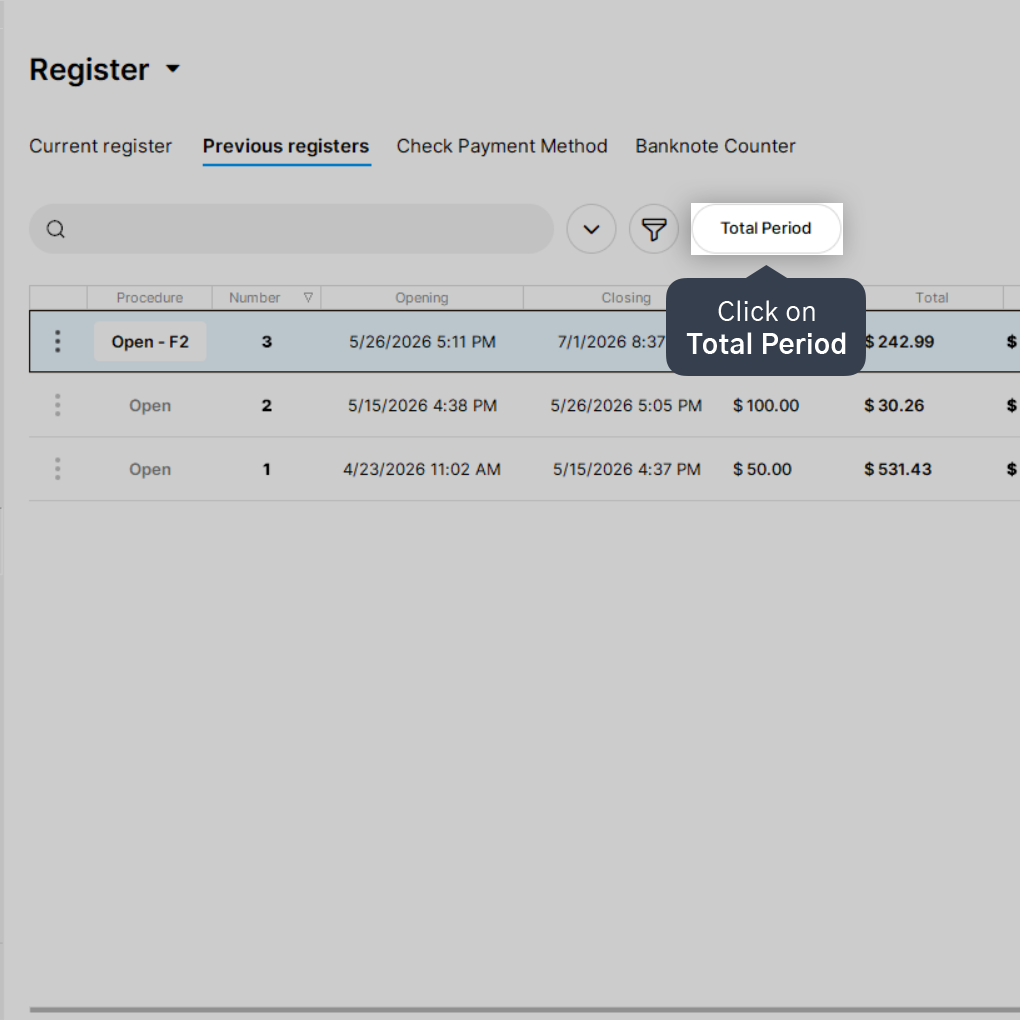
3. Click on Total Period.
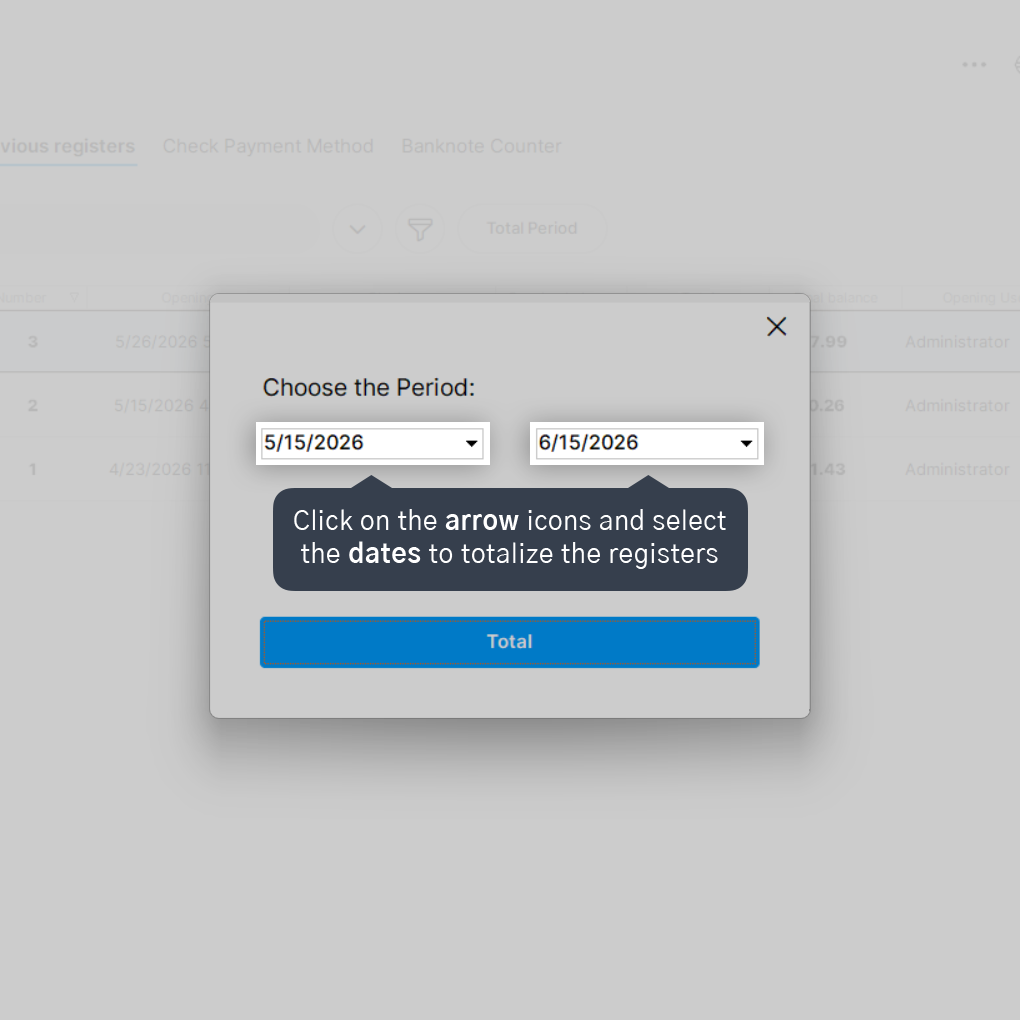
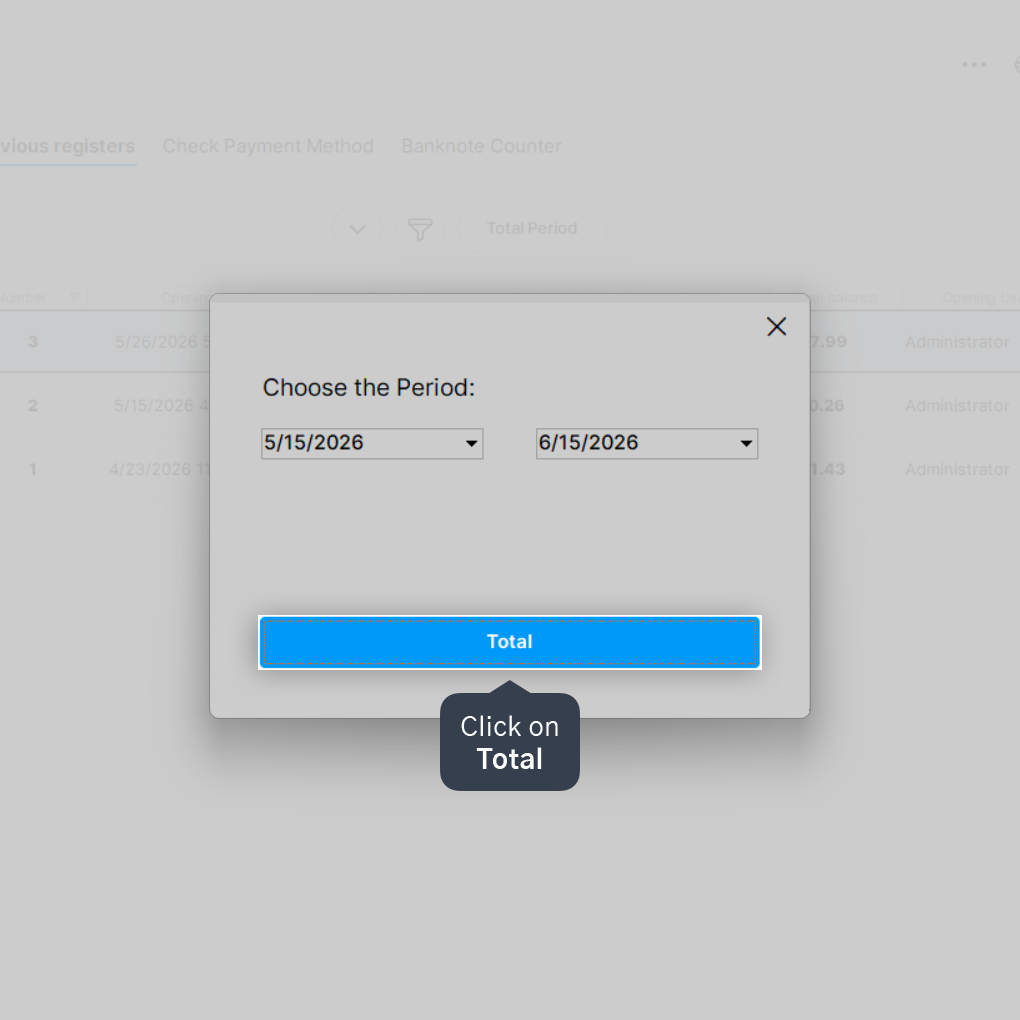
4. Click on the arrow icons and select the dates to totalize the registers.
It is necessary to enter a start date and an end date.
5. Click on Total.
Done! Now you can check the information report of previous registers, totalized based on the chosen period.