You can configure a default limit for all customers or define a personalized limit for a specific customer. Additionally, it is possible to configure it so that a customer cannot register a debt.
1. On the Customers screen, locate the customer you want to configure.

2. Click on the three dots next to edit.

3. Click on Change debt limit for this customer.

4. Select one of the available options to configure the debt limit.
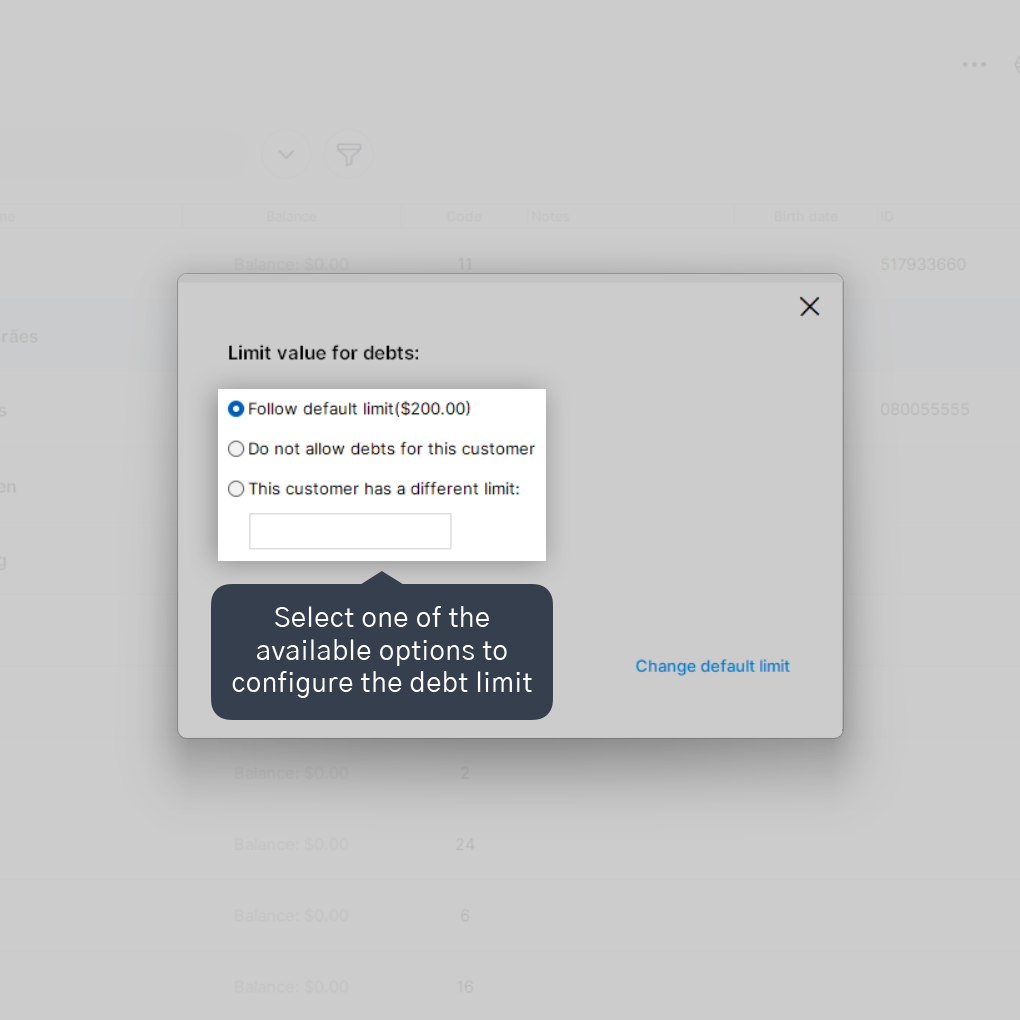
You can select one of the available options: Follow default limit, being able to leave the already defined default amount on debt; Do not allow debts for this customer, in case the customer is not permitted to buy now and pay later; or This customer has a different limit, in case they have a limit higher or lower than the default limit.
5. If you wish, change the default debt limit by clicking on Change default limit.
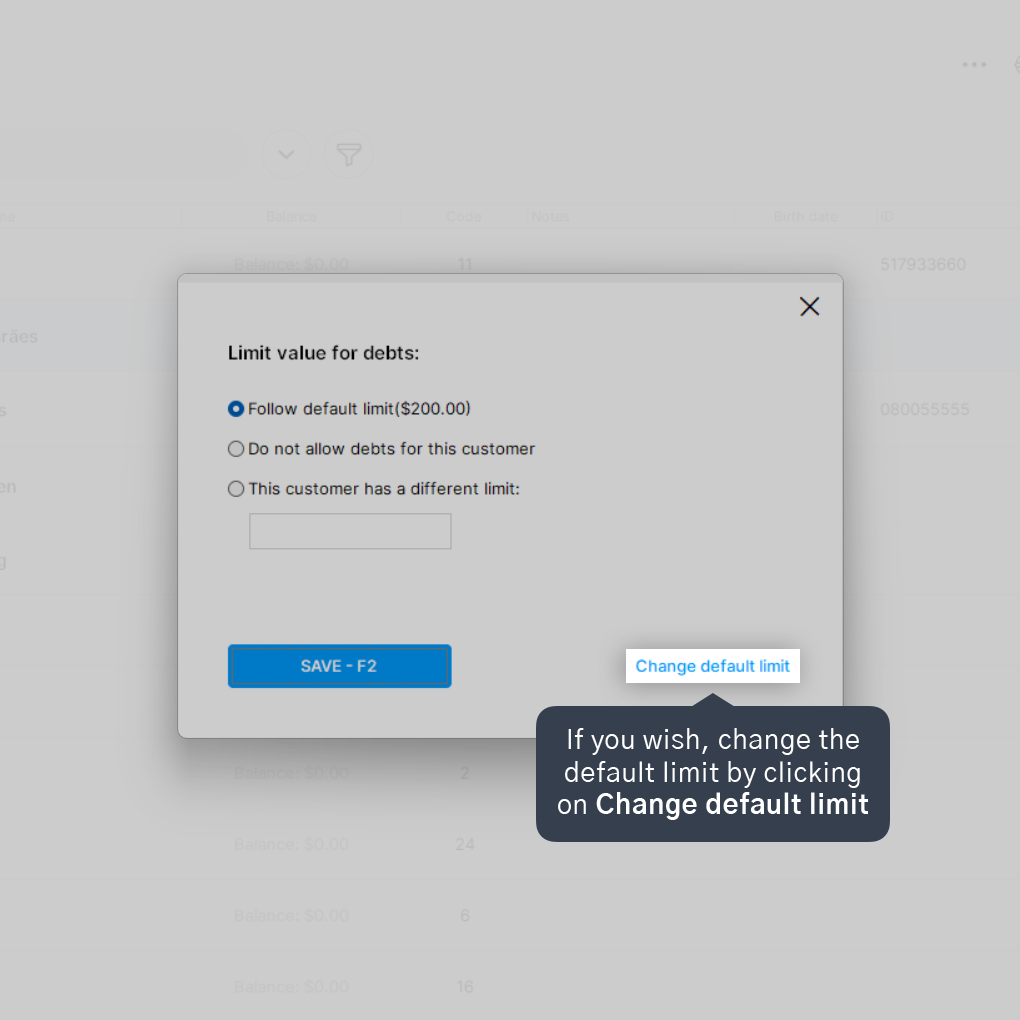
This limit will be used for all customers who follow the default debt limit.
6. After selecting one of the options, click on Save - F2.

Done! Now the customer's debt limit is configured. If you have changed the default limit, all other customers who are following the default limit will use the new registered limit.


