See how to generate the gross profit report using Nex on your computer.
The gross profit report displays the difference between total final price of sales and total cost of goods sold during the selected period. The calculation is registered at the exact time of each sale, meaning, if a product's cost price is updated later, Nex maintains the cost price active at the time the sale was executed.
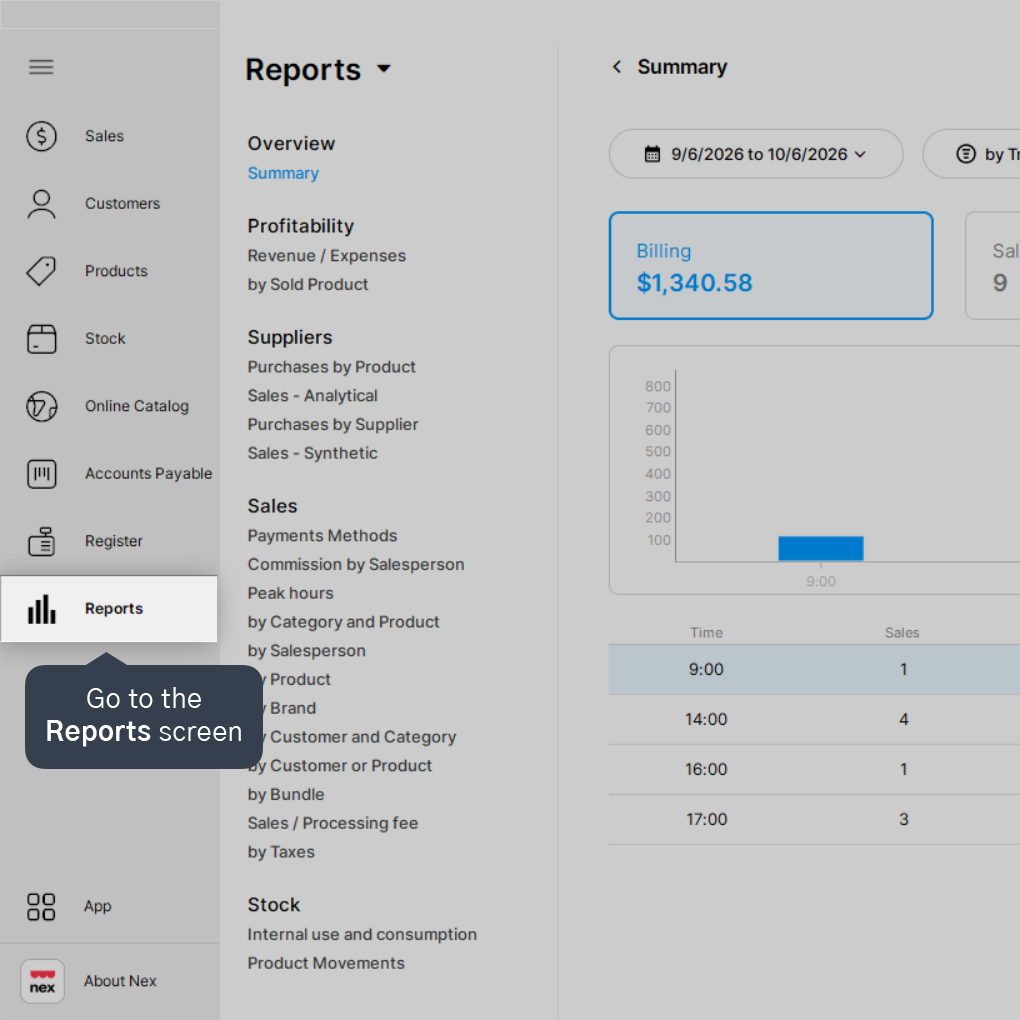
1. Go to the Reports screen.
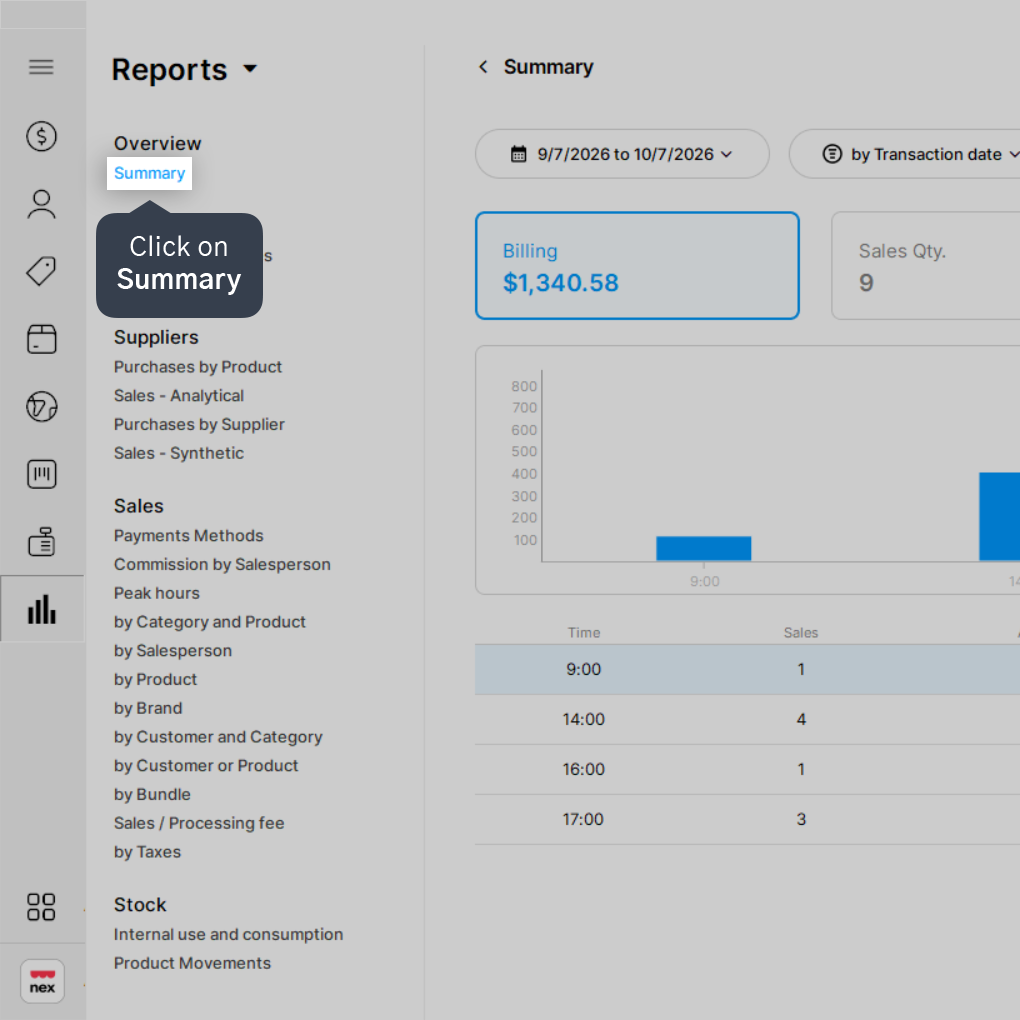
2. Click on Summary.
3. Choose the desired period to generate the report.
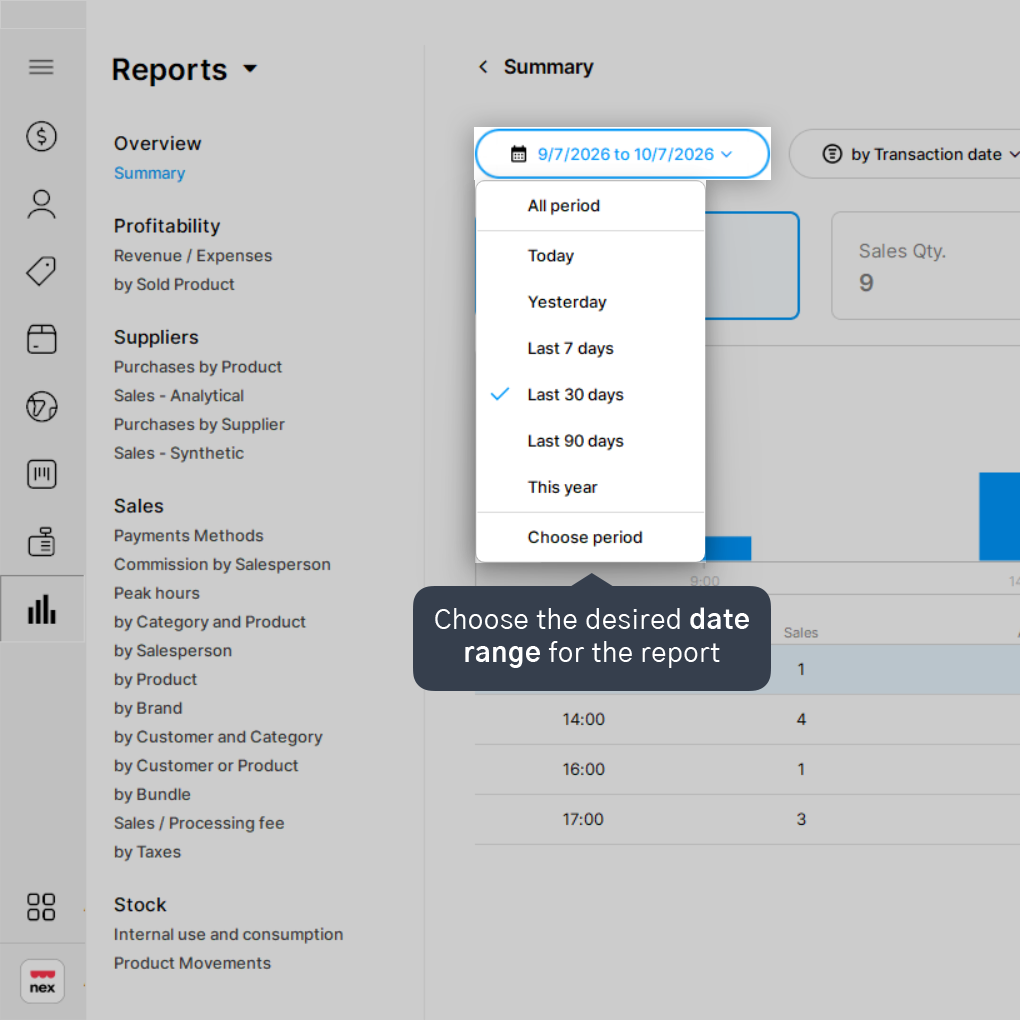
You can generate the report for Today, Yesterday, Last 7 days, Last 30 days, Last 90 days, This year, or choose a custom date range.
4. Click on Gross profit.
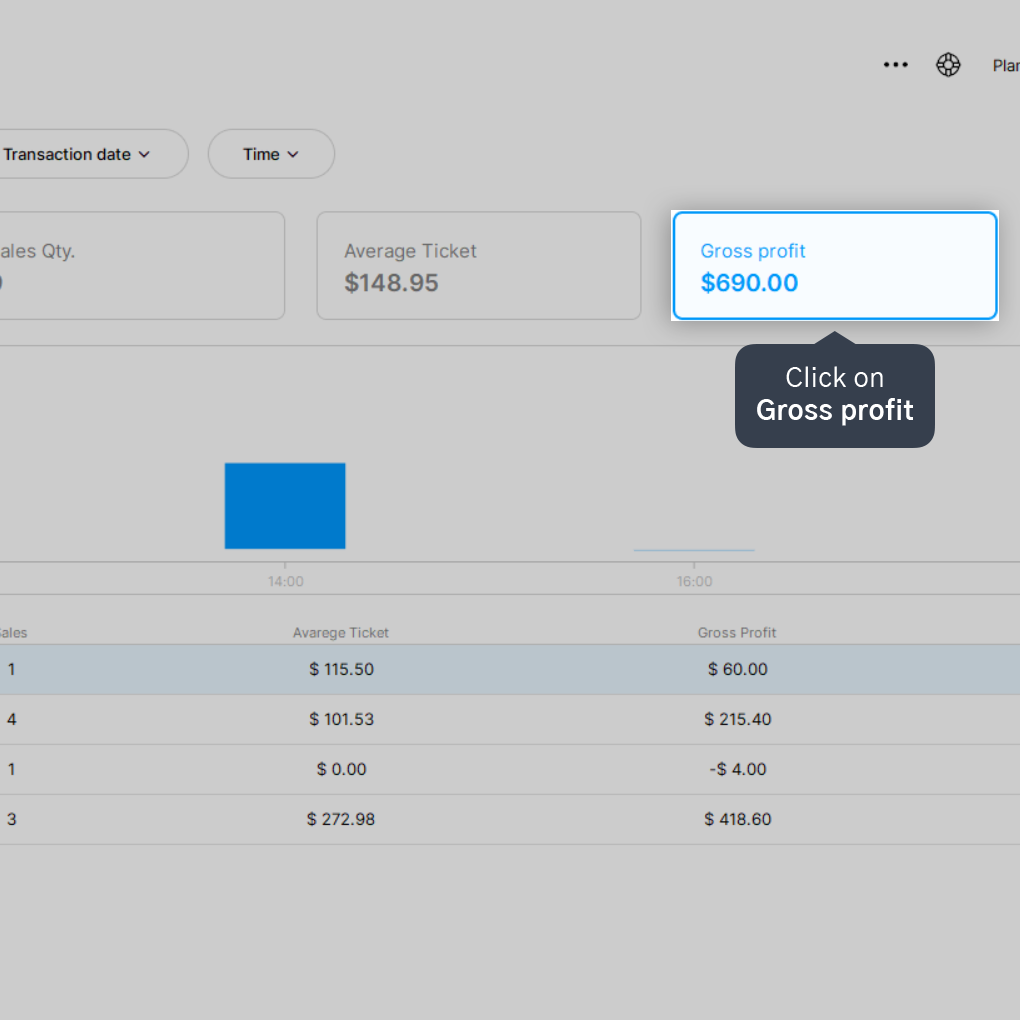
5. Review the information displayed on screen.
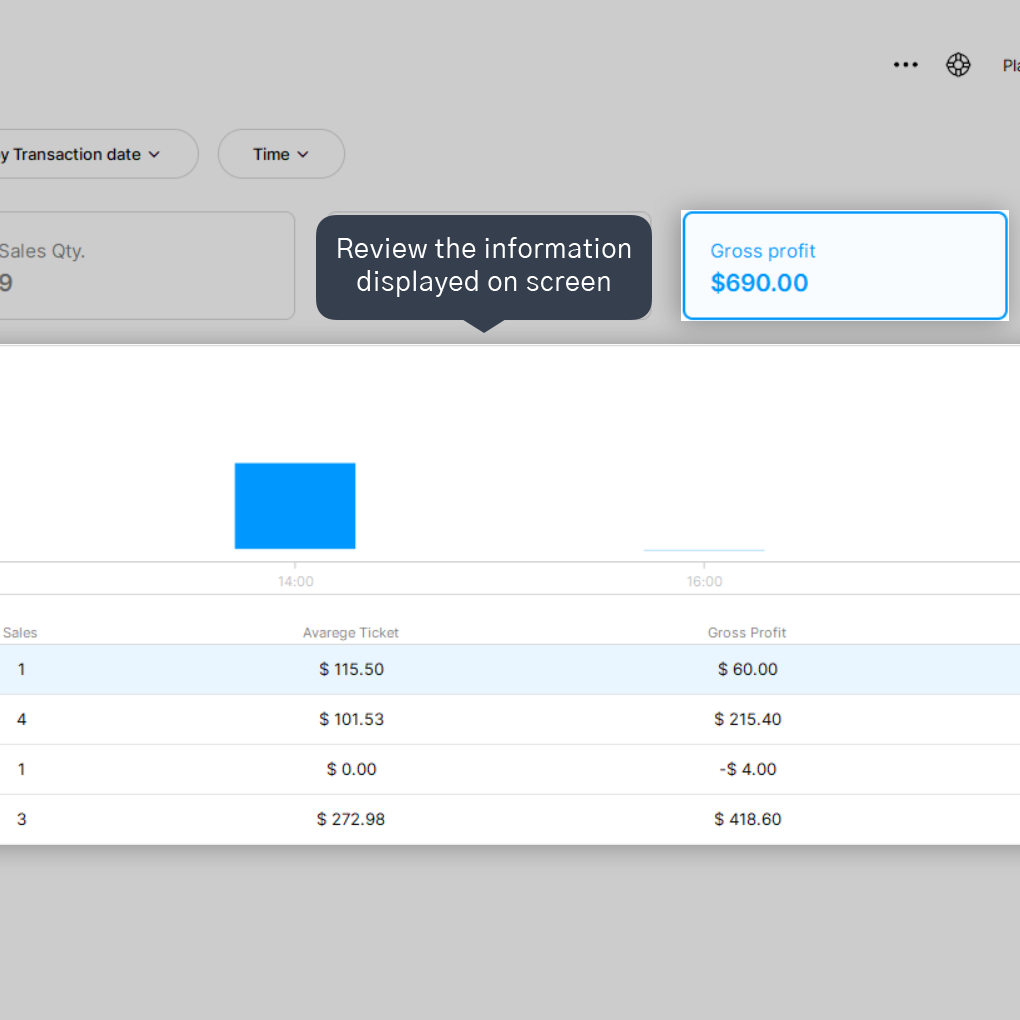
If you wish to export or print, click the three-dots menu icon and select your preferred option.
Done! Now you can check your gross profit metrics for any period you prefer.
No items found.


